Use Door-Ajar Analytics to Stop Recurring Hallway Propping and Incidents
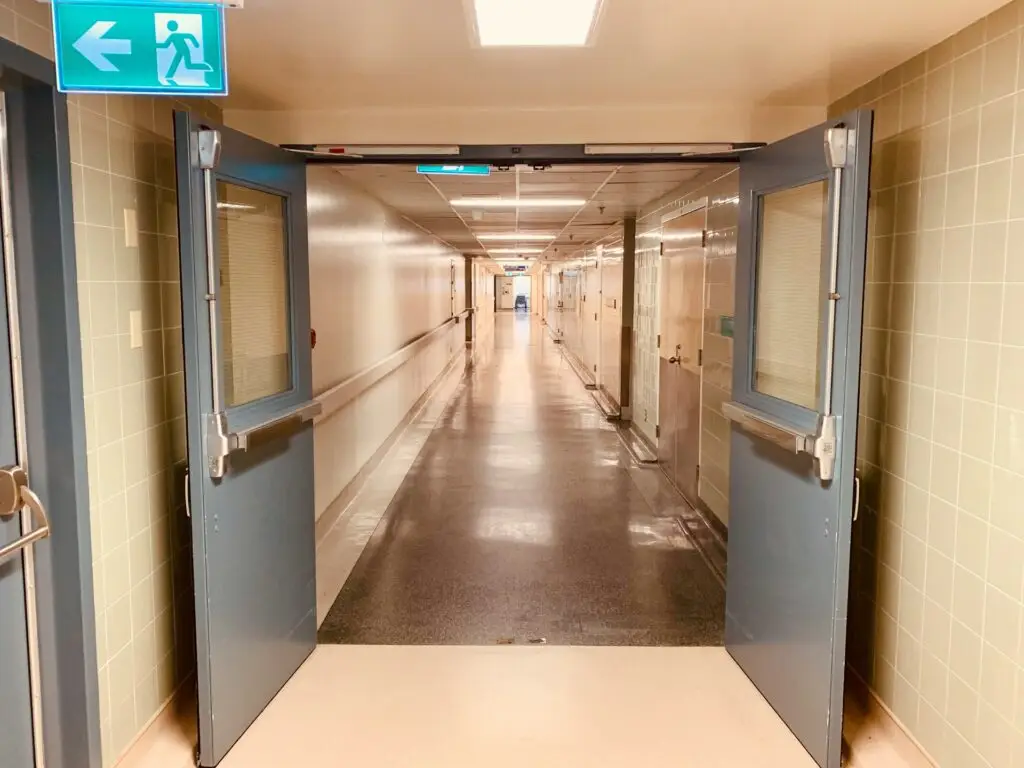
Use Door-Ajar Analytics to Stop Recurring Hallway Propping and Incidents Turning Door-Ajar Data Into Fewer Hallway Incidents Door-ajar alerts do not have to be one more noise your team tunes out. When they are set up and read the right way, they can quietly point you to the same doors, the same times of day, and the same habits that sit behind many hallway incidents. As schools get ready for a new year, leaders often want safer hallways without more alarms, more rules, or more stress on staff. Smart door-ajar analytics can help. By collecting simple data like time, duration, and location from door-ajar systems in Long Island schools, you can spot recurring problem areas and fix the reasons doors are propped in the first place. In this article, we walk through three practical levers: finding time-of-day trends, building staff coaching around data, and making targeted hardware changes, such as closer tuning or delayed egress. Our team at NCD Communications has helped schools take this calm, data-driven path so they see fewer incidents and fewer false alarms at the same time. Why Door Propping Sticks Around, Even with Good People Hallway door propping usually comes from real daily pressures, not from people who do not care about safety. On a typical school day, staff are juggling: Busy passing times and crowded hallways Teachers pushing carts, instruments, and equipment Custodial work and vendor deliveries After-school clubs, sports, and community events When doors are hard to move through, far from parking, or slow to unlock, people look for shortcuts. A doorstop or trash can seems harmless in the moment. The problem is what happens next. Propped hallway doors can: Invite unauthorized entry from side lots or loading areas Create blind spots where supervision is weak Disrupt lockdown or shelter-in-place plans Standard door-ajar alarms often make this worse. If alerts are constant, staff start to ignore them. The main office gets tired of endless calls. Security teams feel like they are chasing the same doors over and over. Staff feel policed instead of supported. In our experience, the core issue is usually that systems do not match real routines. Analytics give you a different way to respond. Instead of asking, “Who did this?” you can ask, “Why is this door always propped at this time, and how do we fix that?” Spotting Time-of-Day Hotspots with Door-Ajar Analytics Smart door-ajar analytics sound complex, but the idea is simple. Your door sensors and access control system already know when a door opens, how long it stays open, and whether it closed in time. When those events feed into reporting software, you get a clear picture of door behavior across the building. The patterns to look for are usually straightforward: Time-of-day spikes, like morning arrival, lunch waves, dismissal, or after-care Specific door locations, like back stairwells, gym wings, or service corridors Duration patterns, such as quick holds versus doors that stay open far too long When we help schools set this up, we often build basic dashboards that highlight: Doors with the most repeat ajar alerts Peak times when those alerts cluster Any doors that stay open beyond a defined safe threshold One school, for example, found that a side hallway door near the music area went ajar almost every weekday during the same 15-minute window before first period. The data made the pattern obvious: students and staff were propping the door to make instrument drop-off easier. That one insight changed the conversation. Instead of another memo about “Do not prop doors,” the leadership team could rethink how arrival and drop-off worked in that wing, and where supervision and access should be during that time. Turning Patterns Into Coaching Instead of Punishment If door-ajar data is only used to call people out, it will feel like surveillance. If it is used as a starting point for problem solving, it becomes a safety tool that supports staff. We often suggest a simple coaching workflow: Review weekly patterns with a small safety or operations team Pick two or three doors or time windows where propping is frequent and higher risk Meet with the staff who rely on those doors and ask them what they are dealing with The key is to listen first. Staff usually have very clear reasons for what they are doing. They might be trying to avoid long walks between buildings, dealing with late buses, or working around interior routes that are locked at certain times. The data gives you the “what” and “when.” The people give you the “why.” When we sit down with school teams, we often bring a simple chart or screenshot and say, “Here is what we are seeing at this door. Help us understand what is going on so we can make it easier and safer.” From those talks, small, practical changes often appear: Tweaking bell schedules by a few minutes to smooth traffic Staging carts, instruments, or supplies closer to secure entries Assigning a staff member to manage a specific door during a busy window Clarifying procedures so staff know which doors should be used for which tasks The result is fewer propped doors, better trust, and a shared sense that the system is working with staff, not against them. Using Data to Target Hardware Fixes Like Closers and Delayed Egress Door-ajar analytics also show where a physical hardware change will make the biggest difference. Instead of replacing or adjusting hardware across the whole campus, you can focus on the handful of doors that cause the most issues. Common hardware fixes we help schools look at include: Door closer tuning, adjusting speed and force so doors close securely but do not slam or feel too heavy for younger students Delayed egress on carefully chosen exits, where a brief time delay and local alarm discourage casual propping while still meeting fire and life safety codes Approved hold-open devices and magnets where allowed, tied into the fire system so doors release automatically in an emergency For example, repeat propping