
Questioning School Camera Quotes in Long Island
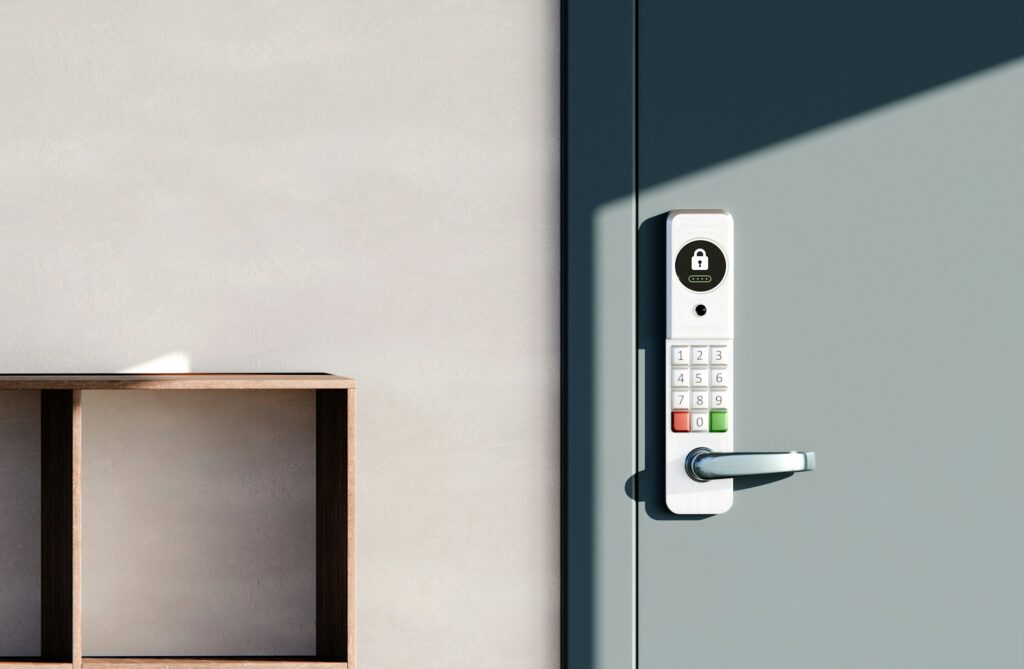
Turning Door Ajar Alerts Into Clear, Useful Records
Door ajar systems in Long Island schools are no longer a nice extra. They are a daily safety tool that helps staff know when an exterior door is open too long, forced, or held outside normal plans. With growing campuses, community use of buildings, and stronger safety expectations, these alerts matter more every year.
The problem is that many schools only get beeps, emails, or a flashing light on a panel. After a few busy weeks, no one remembers what actually happened at a door, who checked it, or why it was open. Handwritten logs, hallway conversations, and scattered emails make it hard to answer questions from families, district leaders, or law enforcement.
Our goal here is simple: show how to turn every door ajar alert into a clear, consistent record of what happened, when it happened, and how staff responded. At NCD Communications, we have helped Long Island districts replace informal notes and incomplete memories with reliable, searchable incident histories that support safety and compliance.
What Door Ajar Systems Should Capture Every Time
First, it helps to define an event. In most schools, a door ajar event is any time a monitored door is:
- Open longer than a set time
- Opened or held outside of an approved schedule
- Forced or opened in a way that conflicts with access rules
For each of these events, your system should log a basic set of details every time. At a minimum, we recommend:
- Date and exact time of the alert
- Door location and type, such as main entrance, side exit, portable classroom, cafeteria, or gym door
- Event type, for example door held, forced, or propped
- How long the door stayed open or in alarm
- How the alert was cleared, such as door closed, alarm reset, or access override
On top of that, there are extra fields that become very important when something serious happens:
- Staff member who checked or cleared the event
- Reason, such as delivery, dismissal, maintenance, student behavior, or after school activity
- Whether related video, access control data, or lockdown actions are linked to the event
When this information is logged the same way each time, patterns start to show. You can see if certain doors are constant problems, if specific times of day cause more issues, or if certain activities like athletics, community events, or summer programs lead to more propped doors. That makes it easier to adjust procedures, supervision, or hardware instead of responding the same way over and over.
Building a Retention Plan That Works in Practice
Once you are logging door ajar events, the next question is how long to keep them. Retention is about more than storage. It connects to:
- State and local rules for school records
- Possible legal discovery after a major incident
- Questions from the school board or families
- Internal reviews after drills, lockdowns, or other safety events
Many districts treat door ajar logs as part of their broader security record plan. Common ranges that schools consider include:
- Door ajar logs kept for at least one to a few years
- Routine video kept for weeks or a few months
- “Flagged” video or events from serious incidents kept for a longer, set period
District counsel and policy should drive these decisions, not guesswork. One useful approach is to separate everyday alerts from significant incidents. For example:
- Everyday alerts: quick door checks during dismissal, short deliveries, brief airflow propping
- Significant incidents: a propped door during high-stakes testing, a door used for unauthorized entry, any event connected to a lockdown, shelter, or police response
You can keep everyday alerts for a shorter period and assign a longer retention period to marked or tagged incidents. This keeps storage use reasonable while still protecting the records that matter most.
To make this work, planning is important:
- Database capacity for logs
- Video storage sized to match your retention goals
- Clear indexing, so staff can search by date, door, event type, or building
The goal is simple access. When someone asks about a door event from months ago, staff should be able to find the right record in minutes, not sort through thousands of entries by hand.
Who Gets Notified, When, and How Clearly
Good records start with good notifications. If the wrong people get every alert, or if the right people only see some alerts, the system will either be ignored or create frustration.
Most Long Island schools work with three main groups:
- Immediate responders such as security staff, monitors, or main office staff
- Building leaders like principals and assistant principals
- District safety or operations staff who watch for patterns or serious issues
During school hours, a simple, clear flow usually works best. For example:
- Instant alerts go to security or the main office with door name, time, and event type
- The alert includes a short instruction like “Check and close,” “Confirm reason and document,” or “Notify administration”
- Staff who respond mark the alert as cleared and add a quick reason so the log is complete
After hours or on a weekend, the pattern often changes. Alerts may go to facilities or on-call security first. Escalation to building leaders can be tied to rules like “door remains open for more than X minutes” or “same door repeats more than Y times in an evening.”
Alarm fatigue is a common challenge. If every small door opening sends a loud alert to half the staff, people start to tune out. We regularly help districts adjust:
- How long a door can be open before an alert starts
- Which doors are high priority, like exterior exits and main entrances
- Which alerts go as text, app notification, email, or only appear on a control panel
The key is that every alert type has a named person or role responsible for clearing it and closing out the record.
Designing Incident Workflows Staff Will Actually Use
Even the best system fails if the workflow is confusing. A simple, repeatable process keeps things on track. A common pattern looks like this:
1) System detects and logs a door ajar event.
2) Assigned staff receives an alert, checks the door, and corrects the issue if needed.
3) Staff adds a short note or selects a reason from a list.
4) A supervisor reviews events weekly or after any major incident to look for patterns.
Door ajar workflows work best when they match other safety processes you already use. For example, they can connect with:
- Lockdown and hold-in-place procedures
- Visitor management and sign-in steps
- Student behavior systems or conduct reports
- Drill reviews and safety team meetings
This way, staff are not juggling separate tools for doors, drills, visitors, and behavior. One system can support the same safety picture.
On the screen, simple prompts make a big difference. Helpful options include:
- Preset reasons like delivery, class transition, propped for airflow, staff entrance, suspected unauthorized exit, or community event
- Free-text notes for unusual events only
- Automatic time and date stamping to avoid mistakes
Training keeps it all working. Many districts find it useful to plan:
- Short refreshers at the start of the year
- Quick mid-year reviews of problem doors or patterns
- Clear expectations for substitutes, coaches, club leaders, and community groups that use exterior doors regularly
When everyone knows what to do with a door alert, the records stay clean and useful.
Pulling It Together With Integrated Door Ajar Systems
When door ajar sensors, access control, video, and lockdown tools work well together, schools can stop bouncing between separate logs and systems. Instead of guessing what happened, staff can see:
- The log of the door event
- Which card, code, or schedule was in place
- The related video clip, when available
- Any lockdown or other safety actions taken around the same time
We have seen Long Island districts use this combined view to fix everyday issues. In one district we support, recurring early-morning alerts at a side door traced back to custodial arrival and a delivery schedule. A short review of the patterns and video led to a small change in entry procedures and signage that reduced those alerts without adding new hardware.
Seasonal changes also matter. During spring and warmer weather, more doors are propped for airflow or outdoor activities. Summer brings construction crews and contractors. Back-to-school means building tours, family nights, and lots of movement through entrances and exits. Clear workflows for door ajar events help staff stay steady through all of these shifting uses.
At NCD Communications, our team typically works with districts by:
- Reviewing current door and incident practices and identifying where records are missing or incomplete
- Mapping door locations and relative risk levels, based on how each area is used day to day
- Defining who gets which type of alert and when, so staff are notified without being overwhelmed
- Helping districts set logging and retention rules based on their policies and legal guidance
- Configuring systems and running staff through realistic scenarios, such as propped doors during after-school events or early-morning deliveries
These same steps can guide any district that wants clearer records from its existing systems. When alerts, logs, and responses are aligned, door ajar systems in Long Island become a daily record that supports staff judgment, keeps leaders informed, and helps schools show exactly what happened at a door when it matters most.
Protect Your Facility With Smart Door Monitoring Today
If you are ready to reduce security blind spots and keep your team and assets safer, our experts can help you design and implement reliable door ajar systems in Long Island. At NCD Communications, we work closely with you to understand your building layout, workflows, and compliance needs so your solution actually fits how you operate. Reach out to contact us and schedule a conversation with our team to get started in a more secure, transparent environment.